How it works
- 1
Make your card
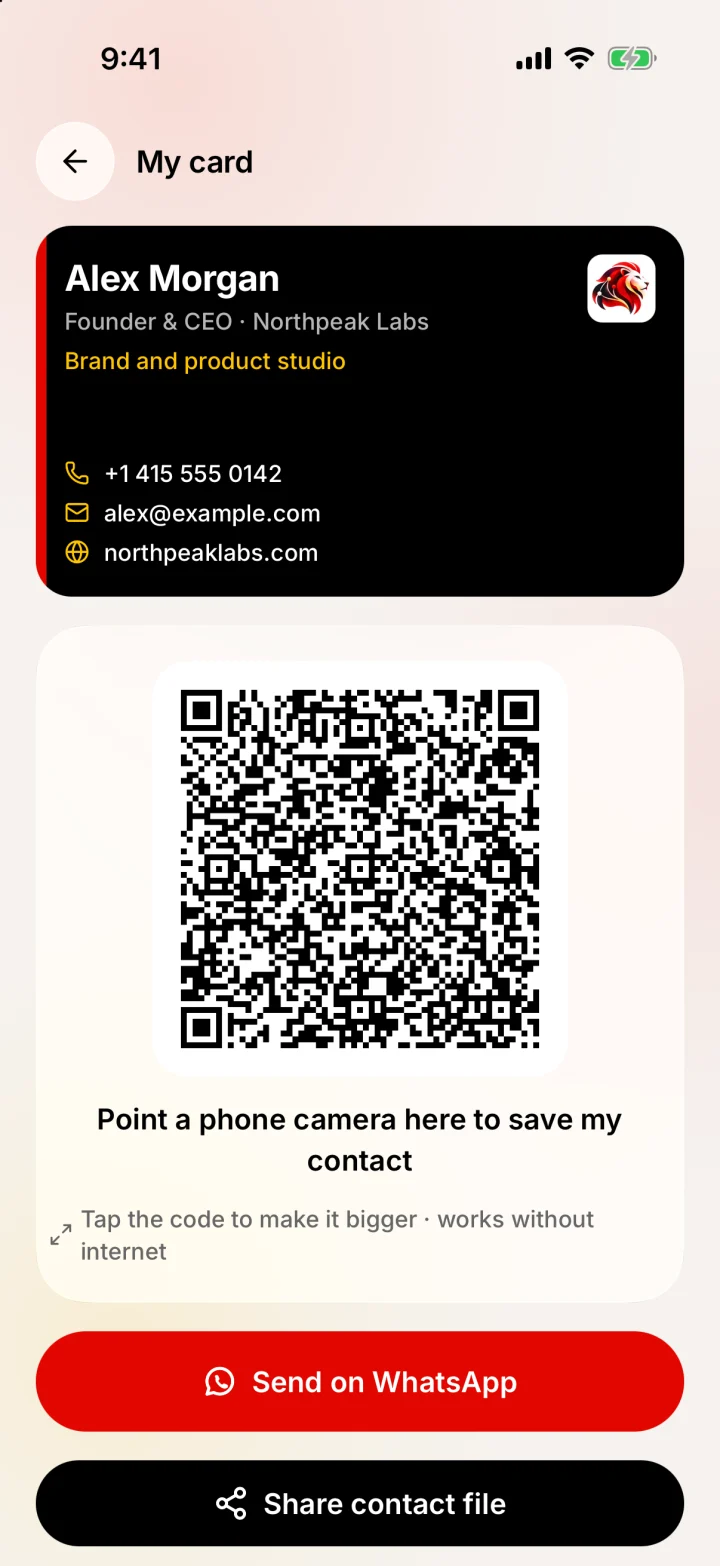
Open My card and fill in your details with a live preview. A card needs a name or a company, and a phone number or an email.
- 2
Show the QR code
The QR code holds your whole contact card in the standard vCard format. It is generated on your phone and needs no connection.
- 3
They point a camera at it
Phone cameras that recognise contact QR codes offer to add you to their contacts. They don't need Merlions or an account.
- 4
Or send it
Share your card as a contact file (.vcf) through the share sheet, or as a message, for example on WhatsApp after a call.
- 5
Scan theirs back
Got their card in return? Scan their QR or their paper card and Merlions opens the review screen, ready to save. Read more about the business card scanner.
QR contact card or link-based card?
Most digital business card apps give you a web link or a QR code that opens a profile page. Merlions puts the contact itself inside the QR code. Each approach has trade-offs.
| Merlions QR card | Typical link-based card | |
|---|---|---|
| Needs internet to save | No | Usually yes, to open the page |
| Other person needs an app | No | No, it opens in a browser |
| Your details stored on a server | No, they are inside the QR | Yes |
| Tracks who viewed your card | No | Often, as a feature |
| Update a card someone already saved | No, share the new version | Yes, the link shows the latest |
| Price | Free | Often a monthly plan for full features |
If you want analytics, a branded profile page or one link that always shows your latest details, a link-based service suits you better. If you want something private that works in a hall with no signal, a QR contact card is simpler.
What to put on your card
- Your name as people say it, plus your job title and company.
- One mobile number with the country code, so it works abroad. Merlions adds the code from a country chip and shows how the number will be saved.
- The email you actually read for work.
- Your website or one profile link, if it helps people place you.
- Keep it short. Every extra field makes the QR code denser and harder for older cameras to read.
Honest limits
- No NFC tap and no web profile page. Sharing is by QR code, contact file or message.
- Once someone saves your card, it is a normal contact on their phone. Changes you make later reach them only if you share the card again.
- Most recent iPhone and Android cameras recognise contact QR codes. Some older phones need a QR reader app.
- Merlions is on iPhone first. Android is in progress and not available yet.
Last updated by Testware Informatics, the makers of Merlions.